How to Split a PDF File (Free, No Software)
Learn how to split a PDF into separate pages or a smaller range, safely and free, without uploading your file anywhere.
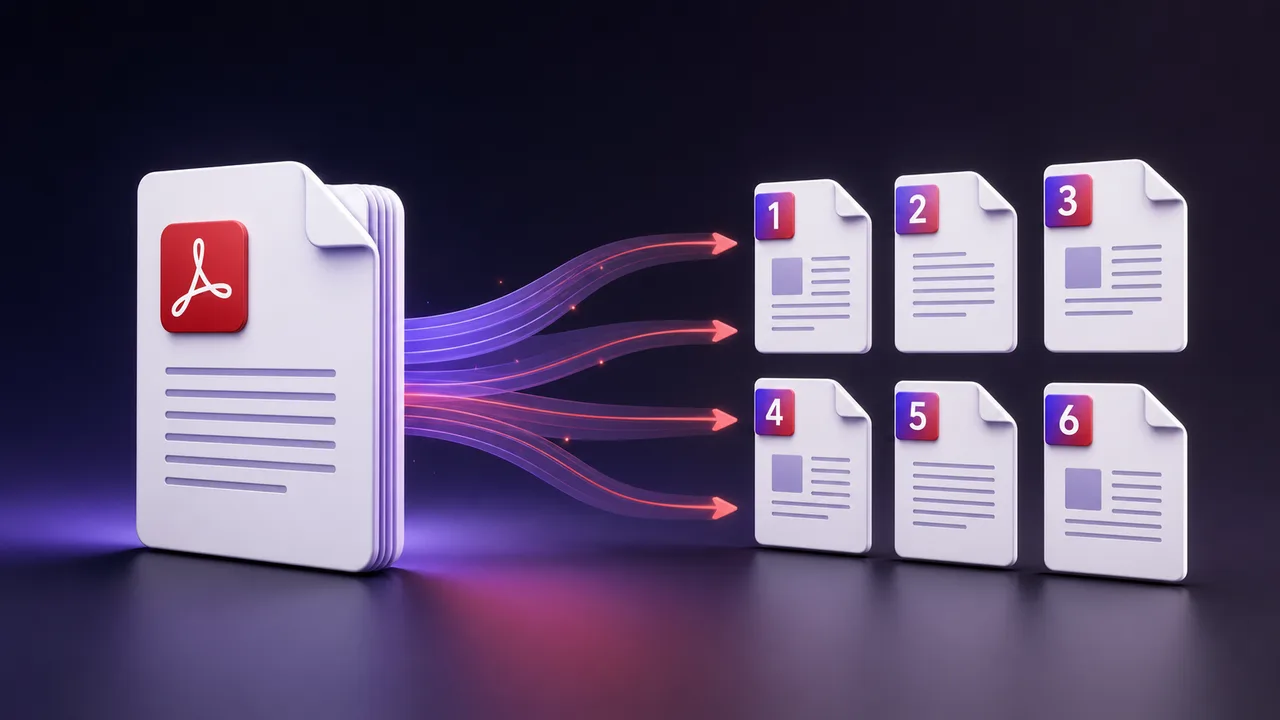
Learning how to split a PDF saves you from sending a huge document when someone only needs a few pages. Splitting extracts a chosen range into a new, smaller file — and the best part is you can do it in your browser without installing anything.
Why split a PDF?
A single PDF often contains more than the recipient needs: a scanned contract with extra pages, a long report, or a bundle of receipts. Splitting lets you share exactly the relevant pages, keep files small, and organise documents cleanly.
The privacy problem with many online tools
Plenty of "free" PDF sites upload your document to their servers to process it, which is risky for anything private like contracts or IDs. A browser-based tool avoids this entirely by doing the work on your own device.
How to split a PDF in steps
- Open the split tool and add your PDF.
- Enter the page range you want to keep (for example 1 to 3).
- Click to extract, then download the new file.
Common uses
| Situation | What to extract |
|---|---|
| Sharing one section | Just those pages. |
| Removing extras | The pages you want to keep. |
| Sending a single page | Same start and end page. |
A tool that runs in your browser never uploads your document, so private files like contracts and IDs stay entirely on your device.
Do it now for free
You do not need paid software. Our Split PDF tool extracts any page range locally in your browser, and when you need the opposite job the Merge PDF tool combines files back into one. For background on the format itself, Adobe — which created the PDF — explains it on their About PDF page. Split once, keep your original, and share only what matters.
Plan the output before extracting
Write down the pages you actually need and check whether the PDF page numbers match the printed numbers inside the document. A cover or contents page can shift the visible numbering. Preview the first and last selected pages so a signature, footnote or table continuation is not cut off.
Keep the original and verify the result
- Work from a copy when the source is important.
- Select the smallest complete range that makes sense on its own.
- Open the exported PDF and check page order, orientation and readability.
- Search or copy a line of text if text selection matters.
- Give the file a descriptive name before sharing it.
Splitting does not automatically remove hidden information. Document properties, annotations, attachments, form fields and earlier redactions may still require specialist inspection. Never cover sensitive text with a black rectangle and assume it is removed; use a real redaction workflow for confidential material.
When a PDF cannot be split normally
An encrypted document may require the owner password. A damaged file may need repair, and a digitally signed PDF can lose a valid signature when modified. Scanned pages remain images after extraction, so splitting will not create searchable text; optical character recognition is a separate process.
Sharing checklist
- Confirm that only intended pages remain.
- Check names, addresses and account numbers on every retained page.
- Use an appropriate secure channel for confidential documents.
- Do not upload files you are not authorized to process.
- Keep the untouched original until the recipient confirms the result.
ToolBlur performs the extraction in the browser, but privacy also depends on your device, browser extensions and where you save or send the result. Local processing reduces unnecessary transfer; it does not replace document governance.