Reviewed and updated by the ToolBlur editorial team on August 1, 2026.
How to Merge PDF Files for Free (No Software)
Need to combine several PDFs into one document? Do it in seconds, right in your browser, without installing anything or uploading your files.
Combining PDFs is one of those small tasks that shows up at the worst moments — right before you send a report, submit an application or share a set of scanned pages. The good news: you do not need paid software or a risky upload to do it.
Why merge PDFs?
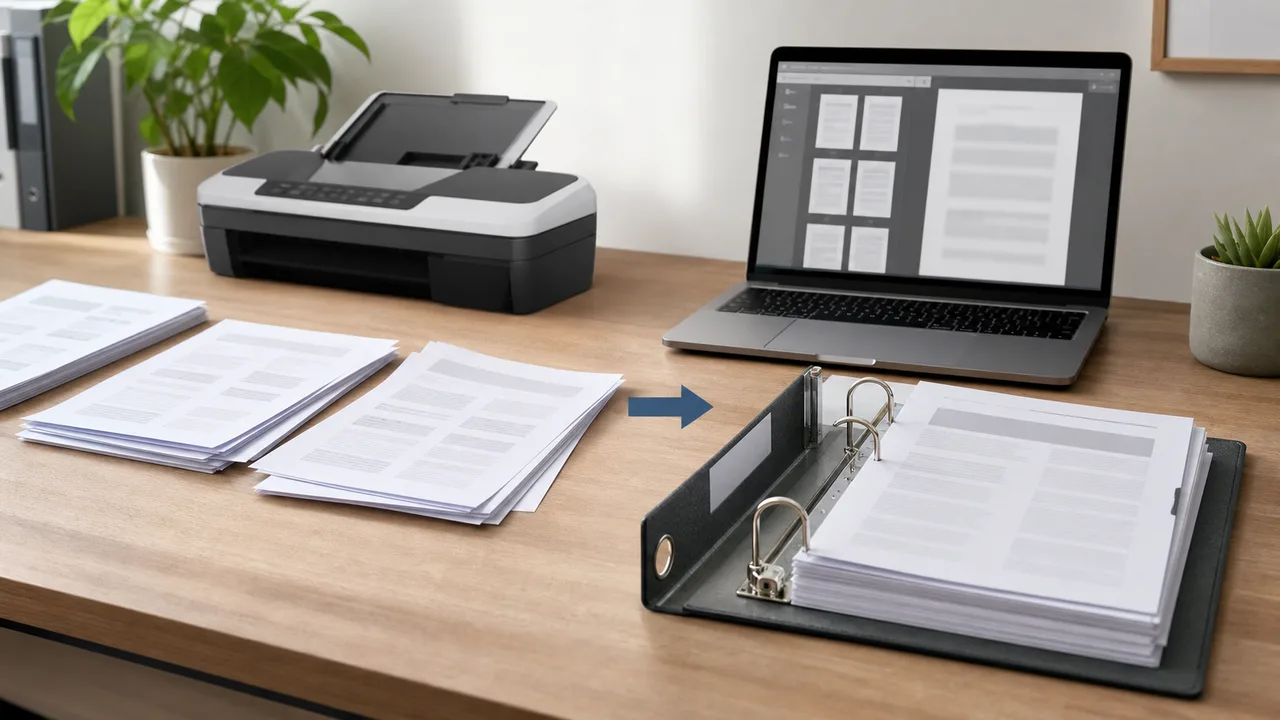
A single file is easier to send, print and archive than five separate ones. Merging is handy for combining invoices, joining scanned contract pages, assembling a portfolio, or bundling chapters into one document.
The privacy problem with online mergers
Many "free" PDF sites upload your files to their servers to process them — which is risky for anything private like contracts, IDs or financial documents. A better approach is a tool that merges files inside your browser, so your documents never leave your device.
How to merge in seconds
- Open the Merge PDF tool.
- Add two or more PDF files.
- Drag them into the order you want.
- Click Merge and download the combined PDF.
Because it runs locally, it works offline once loaded, has no file-count limit, and keeps the original quality of every page.
Bonus tips
If the merged file is large, run each image-heavy page through an image compressor before creating the PDF. And always keep the original files until you have checked the merged result looks right.
Plan the document before merging
Rename the source files in the order you want—such as 01-cover.pdf, 02-report.pdf and 03-appendix.pdf—then open each one and confirm its orientation. This catches sideways scans, blank pages and password-protected files before they become part of a larger document.
Quality and file-size trade-offs
Merging normally preserves the existing pages rather than recompressing them. That protects quality, but the final file can be roughly as large as all inputs combined. If size matters, optimize oversized scanned images before creating their PDFs, or compress the merged copy after checking that small text remains readable.
Do not repeatedly convert a PDF to images and back unless necessary. Each conversion can remove selectable text, links, bookmarks, accessibility tags or form fields. Keep the original files so you can rebuild the document if the merged version loses an important feature.
Privacy and document safety
- Remove pages containing information the recipient does not need.
- Check metadata and filenames for names or project details.
- Do not assume merging encrypts or redacts content.
- For legal, financial or medical records, follow your organization’s approved handling process.
ToolBlur merges files locally in the browser, so the documents are not uploaded to our server. Local processing reduces one privacy risk, but the downloaded file is still your responsibility. Store and share it using an appropriate secure channel.
Final verification checklist
- Open the downloaded PDF rather than trusting the preview.
- Check the page count and page order.
- Search for a known phrase to confirm text remains selectable.
- Test links and forms if the originals contained them.
- Use a clear filename and keep the source documents separately.
What merging changes—and what it does not
A merge operation creates one page sequence from multiple documents. It does not automatically reconcile page numbers printed inside the pages, build a table of contents, make scans searchable or remove hidden information. If one source says “page 1 of 4” and another does the same, both labels remain after merging.
Likewise, pages with different dimensions remain different unless a separate normalization step changes them. That can be acceptable, but a report mixing portrait letter pages, A4 scans and landscape charts should be reviewed at common zoom levels and in print preview.
Scanned PDFs versus digital PDFs
A digital PDF usually contains selectable text, while a scan may contain only page images. Merging preserves that difference. Optical character recognition is a separate process and can introduce recognition errors, especially with handwriting, tables or low-resolution scans. If searchability matters, run OCR with an approved tool and proofread names, dates and numbers.
Bookmarks, forms and signatures
Advanced PDF features do not always survive every browser-based workflow. Interactive forms can flatten or lose calculations; bookmarks may not be rebuilt; digital signatures can become invalid when the document changes. Never merge a cryptographically signed file and assume its signature still proves the same thing. Verify the result in a capable PDF reader.
Create a professional final document
- Choose a cover and add a clear document title.
- Use consistent page orientation where practical.
- Place the main content before appendices and supporting evidence.
- Add page numbers only after the final order is known.
- Use bookmarks or a table of contents for a long report.
Example: combining an application packet
Put the cover letter first, then the form, supporting documents and optional appendix. Remove duplicate instruction pages and blank scanner backs. Check whether identification documents should be included at all and follow the recipient’s stated privacy requirements. A smaller, correctly ordered packet is easier to review than a large dump of every related file.
Troubleshooting
If a file will not open, test it separately and check whether it is encrypted. If merging uses too much memory, process fewer or smaller documents and close other heavy tabs. If a page appears blank, open the source in another reader before assuming the merger caused the issue. Keep originals untouched while diagnosing.
Accessibility review
For documents intended for public or workplace use, inspect reading order, headings, language, link text and alternative descriptions. Merging accessible source files does not guarantee that the combined document retains a logical tag structure. A browser merger is useful for page assembly, but formal accessibility remediation requires a dedicated check.
Frequently asked questions
Does merging reduce PDF quality?
A page-preserving merge normally keeps existing content, but advanced features can vary. Quality loss is more likely when files are converted to images or recompressed.
Can I merge password-protected files?
You need legitimate access and may need to unlock each file with its password first. Do not attempt to bypass restrictions or merge documents you are not authorized to use.
Why is the merged file large?
The result contains the input pages, so its size can approach their combined size. Oversized scans and photographs are common causes.
Will forms and signatures still work?
Not always. Test forms, links, bookmarks and signatures in the downloaded file. Editing a signed PDF can invalidate its signature.
Are my files uploaded?
ToolBlur’s merger runs in the browser, so files are not sent to our server. The device still needs enough memory to process them.
What order should I use?
Follow the reader’s task: cover or summary, main document, supporting evidence, then appendices. Verify every page after downloading.